Run 50+ social media accounts from one backend
Profile-based isolation, whitelabel branded OAuth, role-based team access, and per-client analytics. The same product covers agencies running 200 client accounts and brands managing dozens of regional handles. Visual dashboard for account managers, REST API for engineering teams.
Profiles overview — sample agency
8 of 25 profiles · Pro plan
| Client | Niche | Platforms | Scheduled | Last 30d |
|---|---|---|---|---|
| Acme Corp | B2B SaaS | 12 | 47 | |
| Bloom Skincare | DTC beauty | 28 | 86 | |
| Foundry Films | Indie production |  | 15 | 52 |
| Northwind Bistro | Local restaurant | 9 | 31 | |
| Pacific Surf Co. | DTC apparel | | 21 | 64 |
| TaxPro Advisors | Professional services | 7 | 24 | |
| Vellum Press | Indie publisher | 11 | 38 | |
| Wildform Studio | Design agency | 14 | 41 |
Mock view of an agency managing 8 client profiles inside a single CodivUpload workspace
250+
profiles per workspace (Enterprise)
11
platforms per profile
$1
extra profile/month (Enterprise)
Free
plan = 2 profiles
What multi-account operations actually need
Running 50 client accounts is fundamentally different from running one. The hard part isn't volume — it's isolation, role-based access, branded OAuth, and per-client visibility.
Profile-based isolation
Each end customer or brand lives in its own profile. Connected social accounts, scheduled posts, analytics, and team-member access are scoped per profile — no leakage between clients. POST /v1/agency/profiles spins up a new profile in one call; the dashboard shows all profiles in a sidebar.
Whitelabel branded OAuth
Pro plan and above lets you brand the connection flow with your own logo and colors. End clients see your agency's name when they connect their TikTok or Instagram; CodivUpload's brand stays invisible. The connection callback can also be proxied through your own domain for a fully white-labeled experience.
Single workspace, two interfaces
Account managers schedule and approve posts in the dashboard's calendar view. Engineering team automates content-from-CMS via POST /v1/posts. Same workspace, same profiles, same data — different surfaces. Both flows show up in the same audit trail.
Per-client analytics
Switch between profiles to see engagement, growth, and best-time-to-post for each client independently. Export per-client reports for monthly delivery. Aggregate views across all profiles for internal portfolio reviews.
Role-based team access
Admin, Editor, and Viewer roles. Editors can schedule but not approve final publish; Viewers see analytics but can't post. Useful for keeping junior team members away from accidentally pushing the wrong content to a high-stakes client.
Bulk operations across profiles
Schedule the same campaign asset across multiple client profiles in one operation. Or pull engagement data for all profiles via GET /v1/agency/profiles + analytics for QBR-style portfolio reports without manual aggregation.
Workspaces — separate clients, one bill
Profiles handle individual social accounts. Workspaces handle clients or brands as a whole — with their own team members, their own analytics, and their own access controls. One Stripe subscription covers all your workspaces.
1 → Unlimited
workspaces
Free plan = 1 workspace. Pro = 5. Business = 15. Enterprise = unlimited. Each is a fully isolated bucket.
3 roles
per workspace
Admin, Editor, Viewer. Junior team members can post but not change billing. Clients can view their analytics without breaking anything.
1 invoice
across workspaces
Your primary workspace carries the Stripe subscription. Plan upgrades cascade to every workspace automatically.
One dashboard, every client account
Switch between client profiles from the sidebar. Each profile shows its own connected accounts, scheduled posts, post history, and analytics — fully isolated. Workspace-level admins see the aggregate; profile-scoped roles see only their assigned clients. Same dashboard powers a 2-profile freelancer and a 200-profile agency.
Whitelabel details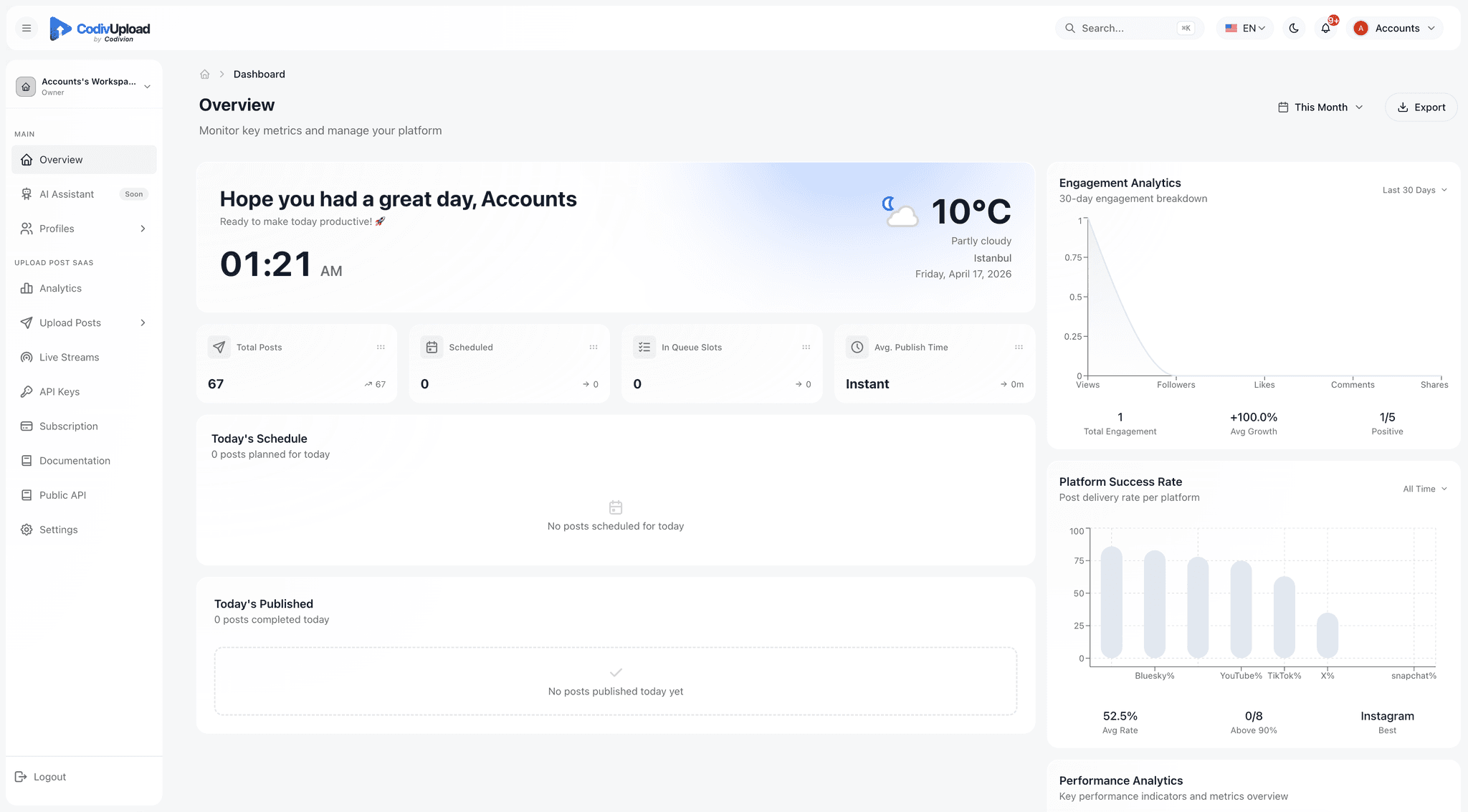
Frequently asked
How many client accounts can I manage?+
Free plan supports 2 profiles, Starter 10, Pro 25, Business 75, Enterprise 250 with extra profiles at $1/profile/month above the limit. Most agencies running 50-200 client accounts run on Business or Enterprise. Profile creation is via POST /v1/agency/profiles or the dashboard's Profiles screen.
Are clients isolated from each other?+
Yes. Each profile is a fully isolated bucket: connected social accounts, scheduled posts, post history, and analytics are scoped per profile. Workspace-level API keys and admins have access to all profiles; profile-scoped API keys (Enterprise) restrict access to a single profile.
Can I bill clients based on usage?+
Yes — GET /v1/agency/profiles returns per-profile metadata. Combined with the analytics endpoints, you have post counts, storage, and engagement per profile. Use this to bill clients on flat retainer + variable usage, or pure usage-based pricing.
How does whitelabel work?+
Pro plan and above unlocks branded OAuth: your logo and colors on the connection page, your domain on the OAuth redirect URL (optional). Clients see your agency's name and visual identity when they grant CodivUpload access to their TikTok or Instagram. The CodivUpload dashboard itself is not whitelabeled in the UI — it's for your team, not your clients.
Can different team members work on different clients?+
Yes. The Workspaces feature lets you create separate workspaces per client (or per region/department), each with its own team. Inside a single workspace, role-based access (Admin, Editor, Viewer) controls who can do what. A team member can be an Admin in one workspace and a Viewer in another.
What happens to client data if a client churns?+
You can disconnect their social accounts and delete the profile via DELETE /v1/agency/profiles/:id. Post history and analytics are retained for 30 days for accidental-deletion recovery, then permanently removed. The connected platform accounts revoke our OAuth tokens at the same moment, so we lose access immediately.
Is the dashboard usable by non-technical account managers?+
Yes — that's the primary audience. Account managers connect accounts, draft posts, schedule, and pull reports without any code. The REST API is for the engineering team integrating CodivUpload into your agency's internal tools (project management, billing, client portals).
Stop juggling 50 browser tabs
One workspace. One login. Every client account. Free plan covers 2 profiles to test the model.
See pricing